
Film Editing
Join the Team Behind Editing Topics
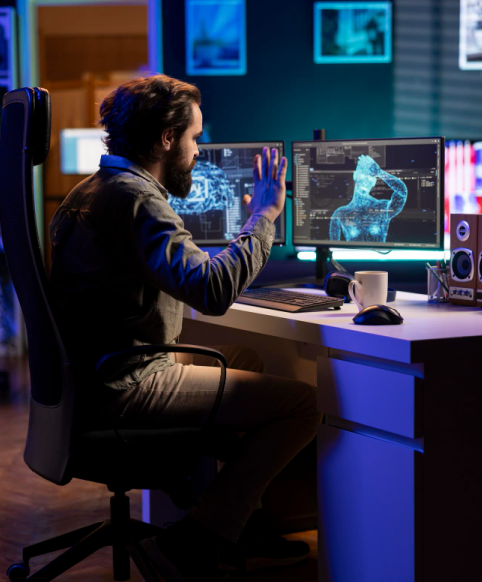
Technical Foundations & Software Mastery
Before learning why to cut, you must learn how to cut. This module focuses on the industry-standard software tools and digital file mechanics.
- Non-Linear Editing (NLE) Ecosystems: Deep-dive training in industry-standard platforms: Avid Media Composer (high-end cinema/TV standard), Adobe Premiere Pro (commercials/indie), or DaVinci Resolve (editing and color integration).
- Media Management & Organization: Developing a flawless workflow—importing raw footage, organizing bins, synchronizing multi-camera shoots, and linking external audio files.
- Codecs, Formats, & Proxies: Understanding video wrappers (e.g., MOV, MP4) and editing codecs (ProRes, DNxHR). Learning how to create lightweight "proxy" files to ensure smooth editing performance on standard computers.
The Grammar of Film Editing (Theory & Technique)
This module explores the psychological rules governing how human brains process cuts, ensuring your edits feel natural or intentionally jarring.
- Continuity Editing: Mastering invisible cuts—cutting on action, maintaining screen direction (the 180-degree rule), and matching eyelines across shots.
- The Soviet Montage Theory: Exploring how combining two unrelated images creates an entirely new emotional meaning in the viewer's mind (The Kuleshov Effect).
- Types of Edits: Practical execution of J-cuts and L-cuts (overlapping audio and video), match cuts, jump cuts, cross-cutting (parallel editing), and smash cuts.
Audio Editing, Foley, & Sound Design
Sound accounts for at least half of the cinematic experience. An editor must build a rich sonic landscape long before the film goes to a dedicated sound designer.
- Dialogue Clean-up & Smoothing: Balancing dialogue tracks from different microphones, removing background hiss, and utilizing room tone to mask audio gaps.
- Sound Effects (SFX) & Foley: Layering ambient background tracks (birds chirping, city traffic) and spot sound effects (footsteps, door slams) to make a scene feel physically grounded.
- Temp Scoring & Rhythm: Selecting and cutting temporary music tracks to establish the structural rhythm of the film before a composer writes the final score.
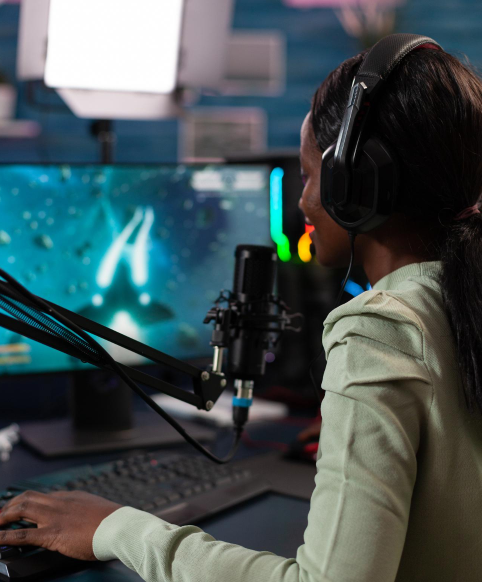
Narrative Pacing & Performance Shaping
An editor can completely alter an actor's performance or change the genre of a scene purely through timing.
- Shaping Actor Performances: Learning how to select the best takes, micro-trim reaction shots to enhance chemistry, or construct a seamless performance out of multiple flawed takes.
- Controlling Pacing & Tension: Adjusting the rhythm of a scene. Tightening cuts to escalate anxiety during a thriller sequence, or lengthening shots to let emotional moments breathe in a drama.
- Comedy vs. Action Editing: Mastering the specific timing required for comedic beats (cutting on punchlines or awkward silences) versus the rapid, rhythmic, kinetic cutting required for action sequences.
Post-Production Workflows & Finishing
The final phase covers how an editor packages the project and hands it off to other departments for final theatrical delivery.
- The Picture Lock Stage: Reaching the point where no further visual edits will be made, allowing audio and color departments to begin their final work.
- Conforming & Offline/Online Workflows: Relinking low-resolution proxy files back to the original camera negative (RAW footage) for final processing.
- Export Workflows (EDLs, XMLs): Generating Edit Decision Lists (EDLs) or XML files to seamlessly transfer timelines to colorists (in DaVinci Resolve) and sound mixers (in Pro Tools).
- Mastering & Deliverables: Creating final high-resolution export masters (like Digital Cinema Packages or DCPs for theaters) alongside web-optimized file formats.