Photography
At Cam AcademyHere is the comprehensive syllabus and module breakdown for your Photography Masterclass, structured exactly like your cinematography curriculum. It blends the technical physics of light with creative visual artistry, perfectly tailored for your premium, hands-on training style.
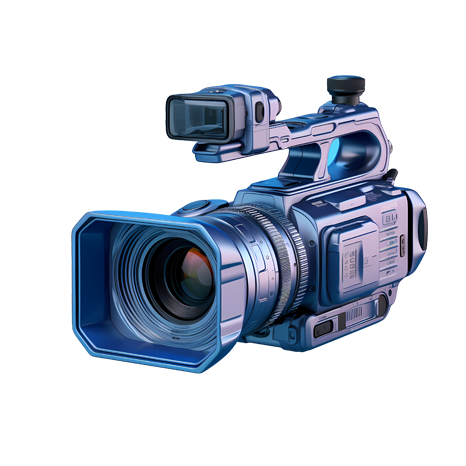
Camera Fundamentals & Optics
Before you can create art, you must master the mechanics of your equipment. This module breaks down the physics of exposure and optical science.
-
The Exposure Triangle: Deep dive into the mechanics of Aperture ($f$-stops), Shutter Speed, and ISO to balance light, control motion blur, and manage digital noise.
-
Optics & Lenses: Understanding focal lengths. Exploring the creative and structural differences between prime and zoom lenses, and how wide-angle vs. telephoto lenses alter spatial perspective and facial compression.
-
Depth of Field: Mastering the variables that dictate focus (aperture, focal length, and distance to subject) to isolate a portrait model or keep a landscape pin-sharp.
-
Sensor Technology & Formats: Learning about Megapixels, Full-Frame vs. Crop Sensors, Dynamic Range, and the absolute necessity of shooting in uncompressed RAW formats versus JPEG.
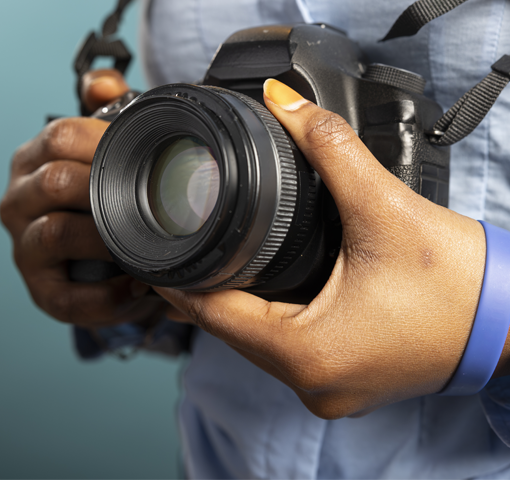
Composition & Visual Design
A great photograph is designed, not discovered. This module teaches you how to guide the viewer's eye through intentional framing.
-
The Rules of Composition: : Comprehensive training in the Rule of Thirds, Golden Ratio, Leading Lines, Symmetry, Frame-within-a-Frame, and Juxtaposition.
-
Perspective & Angles: The psychological impact of eye-level, low-angle (worms-eye view), and high-angle (birds-eye view) shots on the viewer's emotional connection to the subject.
-
Negative Space & Balance: Utilizing empty space to create minimalist, powerful imagery, and mastering the balance of weight within a frame.
-
Aspect Ratios & Cropping: Understanding how different aspect ratios (e.g., 1:1 square for Instagram, 4:5 for portraits, or 16:9 for landscape) change the visual impact of an image.

The Art of Lighting & Studio Craft
Light is a photographer's primary medium. This module moves from understanding available light to completely commanding a professional studio.
-
Natural & Ambient Light:Learning to read, diffuse, and manipulate natural light. Mastering the "Golden Hour," "Blue Hour," and harsh midday sun.
-
Color Temperature & White Balance:Navigating the Kelvin scale. Understanding the color shift between warm tungsten indoor light (3200K) and cool overcast daylight (5600K–6500K) to ensure accurate skin tones.
-
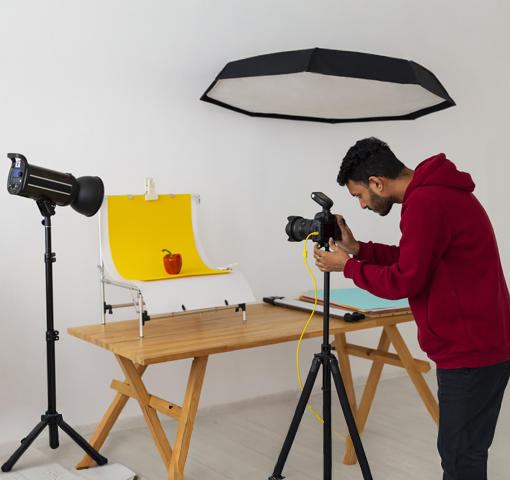
Studio Flash & Strobe Mechanics::Introduction to continuous lights, speedlights, and high-power studio strobes. Mastering flash synchronization speed and triggering systems.
-
Light Modifiers & Shaping:Practical execution using Softboxes, Umbrellas, Beauty Dishes, Snoots, and Reflectors to control the quality of light—shifting between hard, dramatic shadows and soft, flattering gradients.
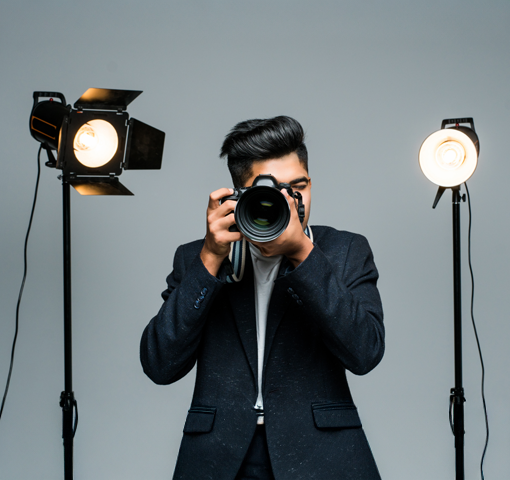
Professional Genres & Commercial Specialization
Photography spans diverse industries. This module explores specific commercial styles to prepare you for high-paying client work.
-
Portraiture & Fashion:Posing techniques, directing human subjects, and mastering high-fashion studio setups.
-
Product & Commercial Photography:Learning the precision lighting required for reflective surfaces, glassware, e-commerce layouts, and macro photography.
-
Street, Documentary & Landscape:Developing the speed to capture candid human moments and the technical planning needed for fine-art landscape imagery.
-
Architectural & Interior Photography:Mastering straight lines, perspective correction, and balancing indoor lighting with window light.
Digital Post-Processing & Workflow
The capture is only half the battle. This module covers the digital darkroom where images are polished into final pieces of art.
-
Non-Destructive Workflows:Mastering asset organization, metadata, and importing pipelines using Adobe Lightroom.
-
Advanced Color Grading:Using tone curves, HSL panels, and color calibration tools to establish a signature visual aesthetic and mood.
-
Precision Editing & Retouching:Stepping into Adobe Photoshop for high-end frequency separation (skin retouching), object removal, dodge and burn techniques, and composite work.
-
Print vs. Digital Output:Understanding color spaces (sRGB vs. AdobeRGB), sharpening algorithms, and file delivery standards for web, social media, and large-format gallery printing.